Introduction:
After creating your account, signing in is simple. Here is a step-by-step guide to help you access your account securely.
Steps:
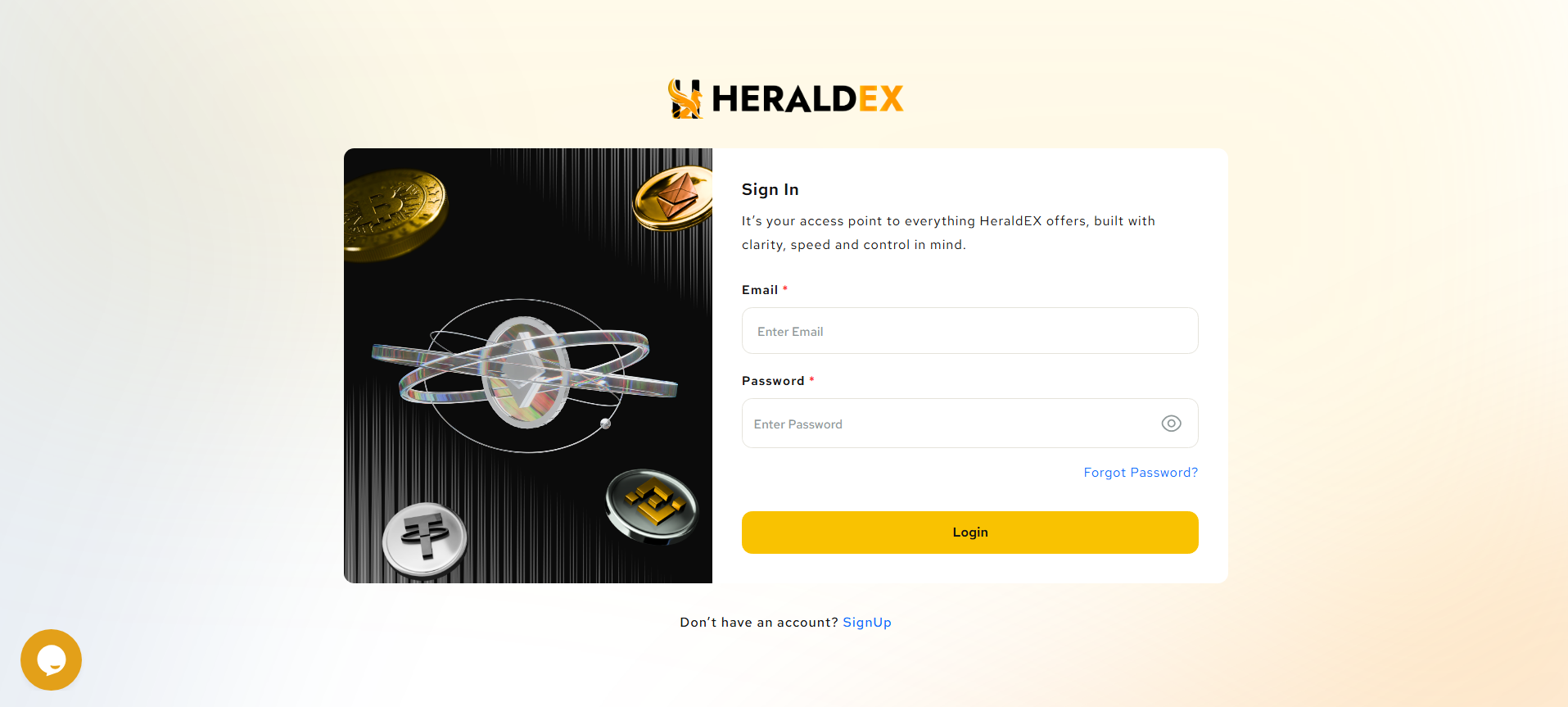
- Visit the sign-in page: Go to the HeraldEX Sign in Page.
- Enter Your Credentials: Type in the email you used to register and the password you created during signup.
- Login: Click Sign In to enter your account.
Troubleshooting:
- Forgot your password? If you can’t remember your password, click the Forgot Password link. Enter your registered email, and follow the steps to reset your password.
FAQs:
- What if I get a login error?
Double-check that you are using the correct email and password. Ensure the Caps Lock key is off if you are having trouble with the password.
Login Page Overview:
Was this article helpful?
That’s Great!
Thank you for your feedback
Sorry! We couldn't be helpful
Thank you for your feedback
Feedback sent
We appreciate your effort and will try to fix the article