Description
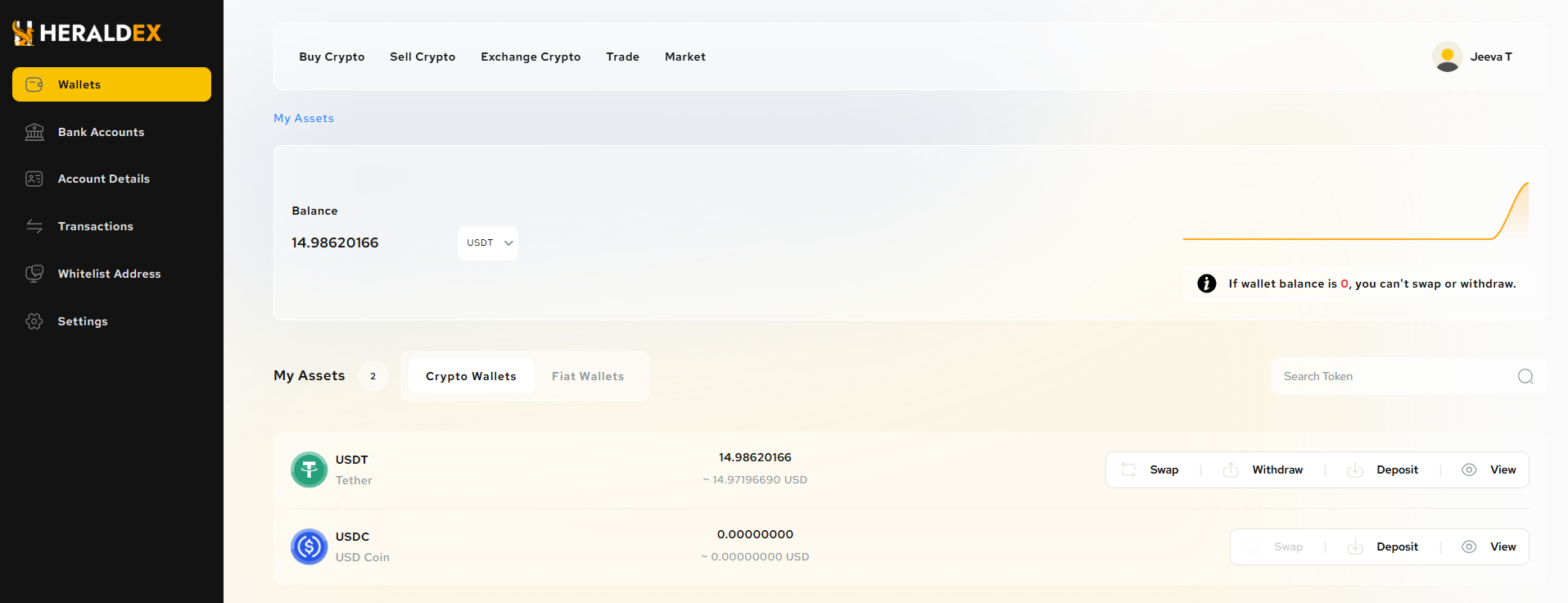
Wallet Overview Section
This section gives an overview of the user’s available balance for a specific token, in this case, USDT (Stable Coin).
Token Type (USDT):
- The displayed token is USDT, and the stable Coin logo is visible next to it, helping users quickly identify the type of token they are holding.
Total Token Balance:
- The total token balance represents all the USDT that the user currently owns in their wallet. For instance, the balance shown in the image is 14.98620166 USDT.
Remaining Tokens:
- This field might show the amount of tokens available after certain deductions such as fees or pending transactions. In this case, the remaining tokens are the same as the total, which suggests no transactions are pending.
Was this article helpful?
That’s Great!
Thank you for your feedback
Sorry! We couldn't be helpful
Thank you for your feedback
Feedback sent
We appreciate your effort and will try to fix the article