Description
If you have forgotten your password, you can reset it easily:
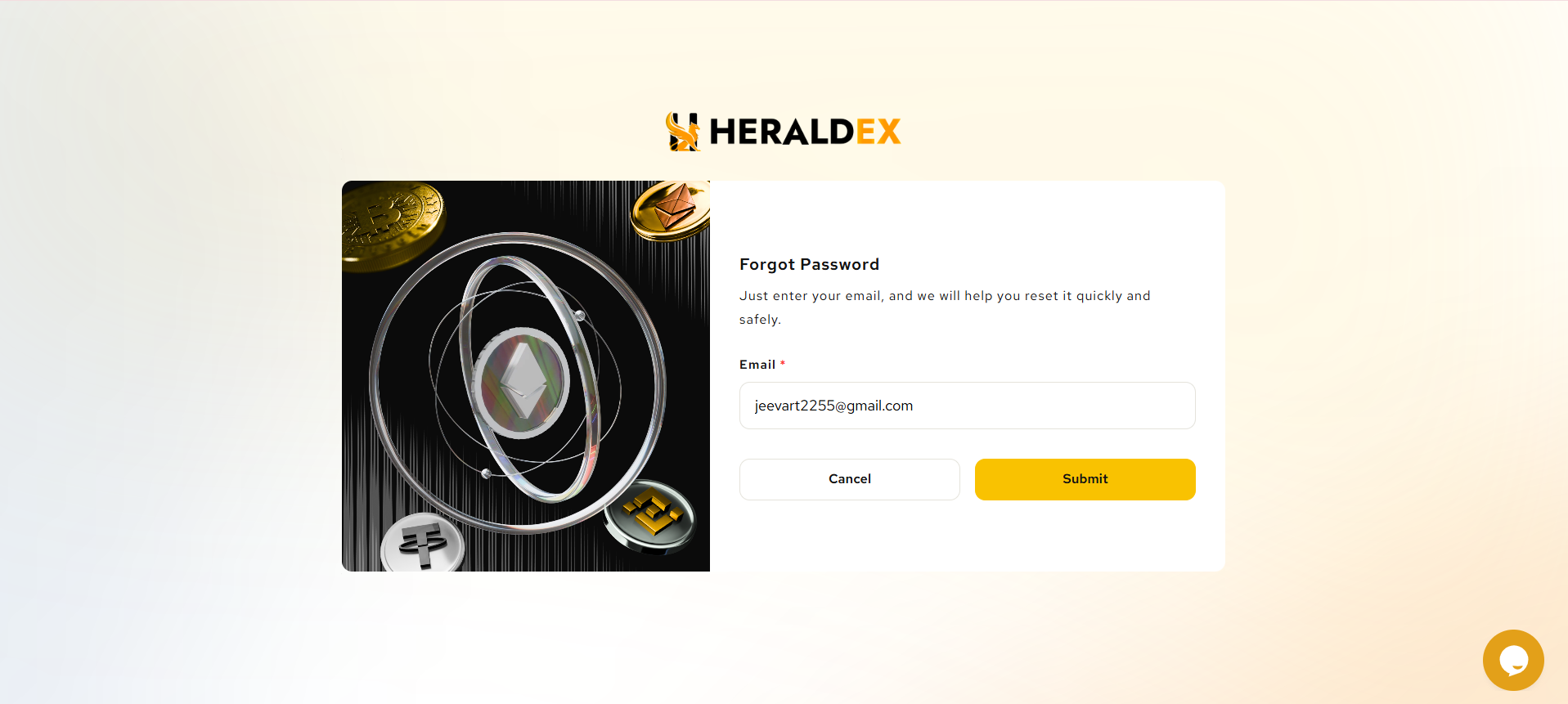
- Click on the "Forgot Password" link on the login page.
- Enter your registered email address.
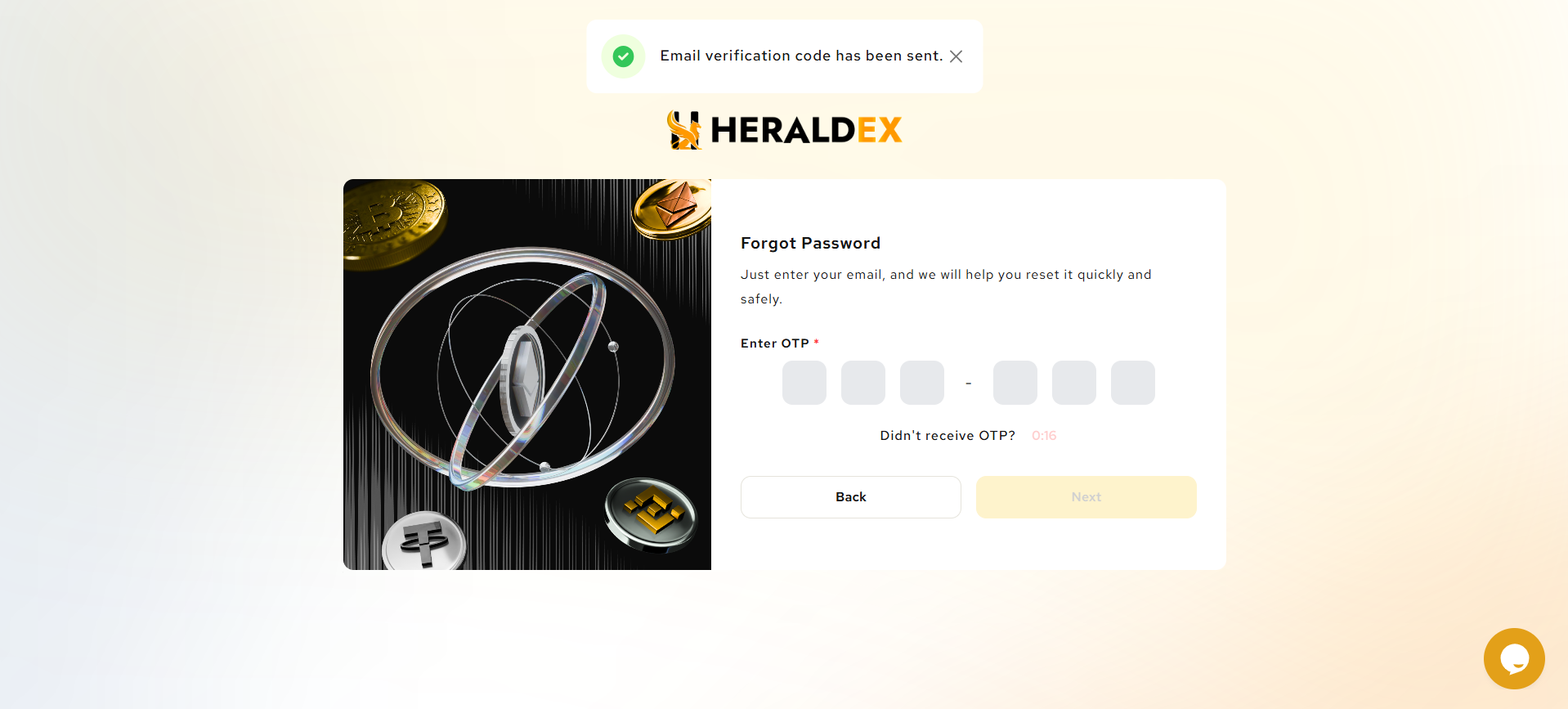
- Check your email for a password reset code. Don’t forget to check your spam or junk folder if you don’t see it.
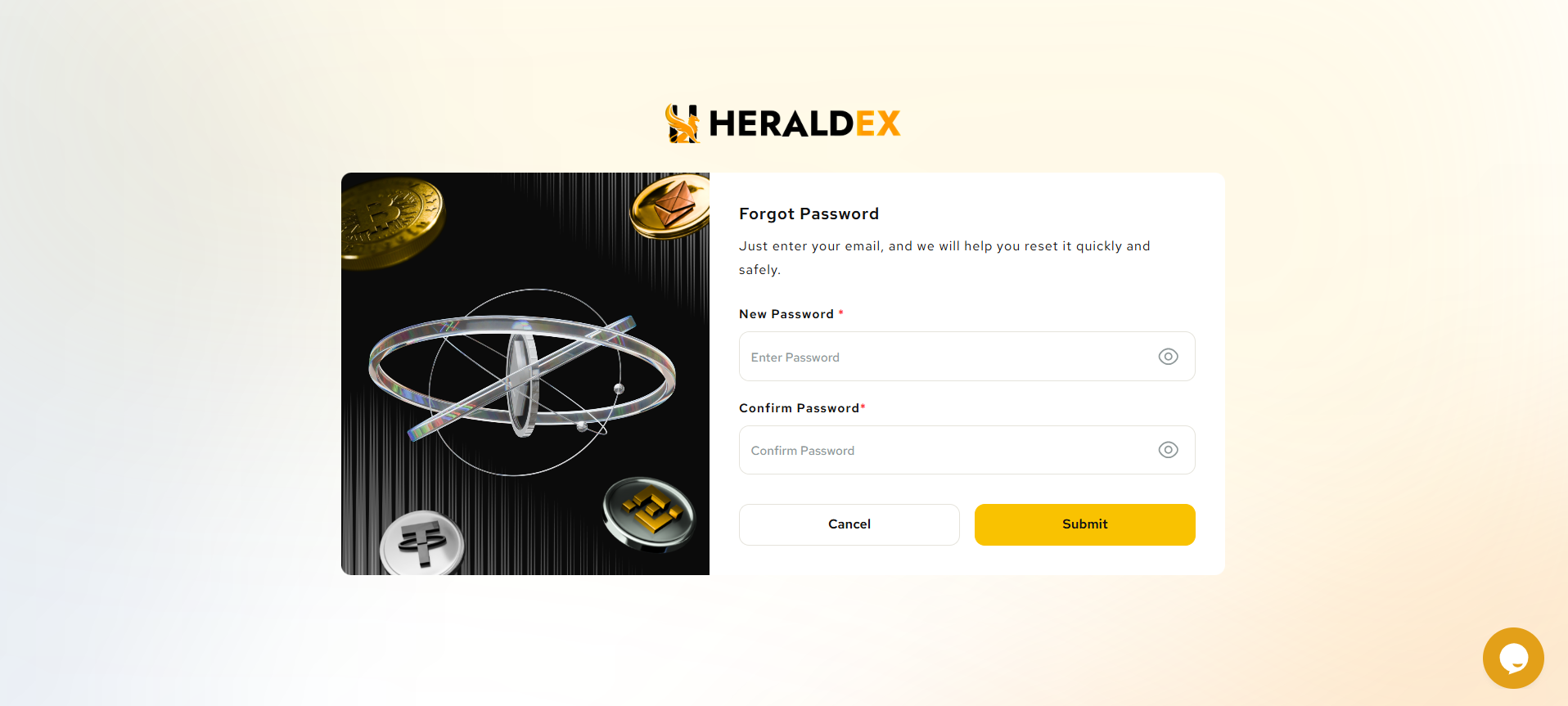
- Follow the instructions to create a new password. Ensure your new password is strong and unique
Was this article helpful?
That’s Great!
Thank you for your feedback
Sorry! We couldn't be helpful
Thank you for your feedback
Feedback sent
We appreciate your effort and will try to fix the article